
Work on several rules
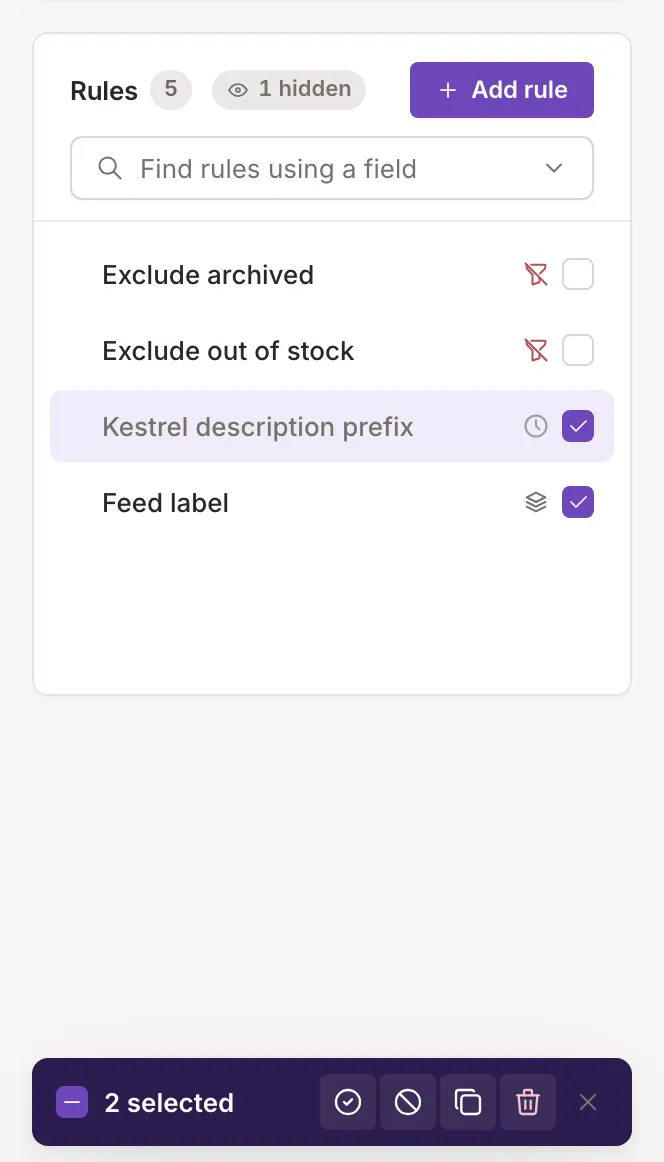
Check rules in the list to act on all of them at once. Only owners and collaborators see the checkboxes and the bar below.
Select rules
Section titled “Select rules”Tick the checkbox at the right of a row. A bar appears at the bottom of the list with the number of rules selected, a checkbox that selects every rule on the list (Select all, then Deselect all) and four icon buttons; hover one to see its name. The cross at the right of the bar, or the Escape key, clears the selection. Hidden deactivated rules are not selected by Select all, and a rule you checked and then hid is left out of the action.
Activate or deactivate
Section titled “Activate or deactivate”Activate and Deactivate switch every selected rule on or off. A toast says Channel rules activated. or Channel rules deactivated. and the selection is cleared. If the request fails, the toast gives the reason and the selection stays. See Order and switch rules on or off.
Delete
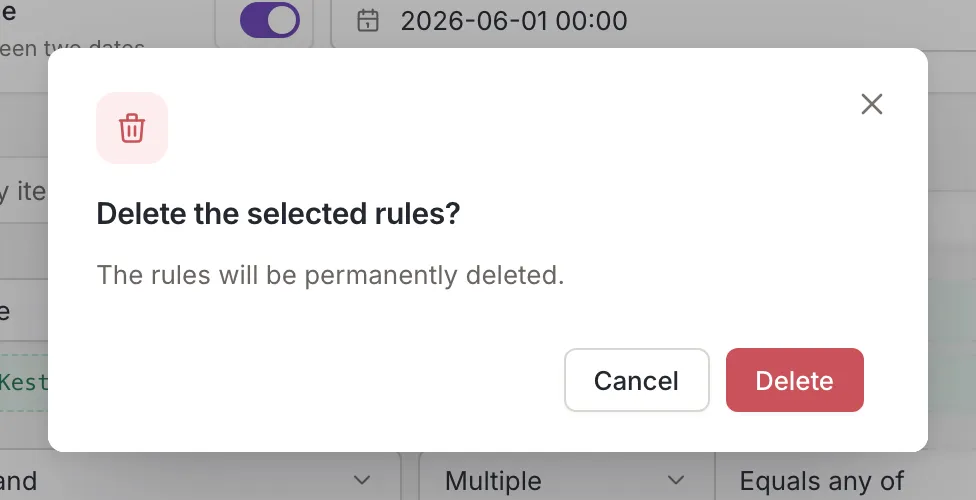
Section titled “Delete”Delete asks Delete the selected rules? and explains: The rules will be permanently deleted. Confirm with Delete, or cancel to keep them. After the delete, the toast says Channel rules deleted.; if it fails, the toast is titled Rules not deleted.
Clone several rules
Section titled “Clone several rules”Clone opens the clone window titled Clone the selected rules, where you choose where to copy the rules. See Clone a rule.