
The channel's item preview
The panel to the right of a channel’s mapping tree reads your items, not a sample file. It shows the fields of an item, and the elements of the feed they fill, so you can see what each choice does to real data before you save it.
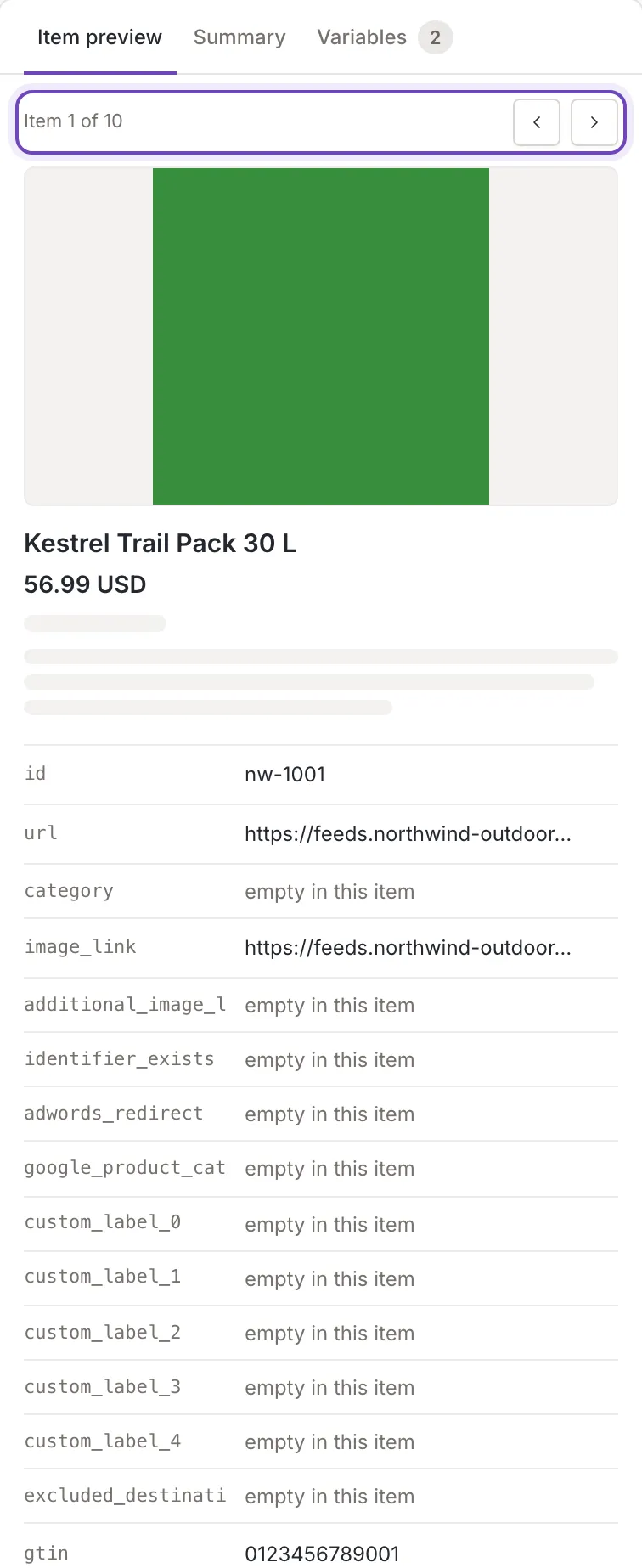
The item preview
Section titled “The item preview”The first tab is named Item preview. The panel works as the product preview of a source: a card with the photos, title, price, availability and description, then the other mapped fields as a list, and a click on a value makes the tree flash the element that fills it. What changes is where the data comes from:
- The items are the first ten items of your inkspace that are not archived. The selector reads “Item 1 of 10”, and Previous item and Next item step through them.
- An item is whole. A value is never shortened, there is no exclamation mark for a doubtful value, and a photo URL is the full address.
- A field with nothing in this item reads empty in this item, and a grey placeholder in the card says the same in its hover text, for example “title: empty in this item”.
- The fields that belong to the item itself are filled as the channel writes them (see below).
The same items fill the example values in the tree and the Summary, where a mapped field that is empty in all of them reads “Empty in all 10 items”.
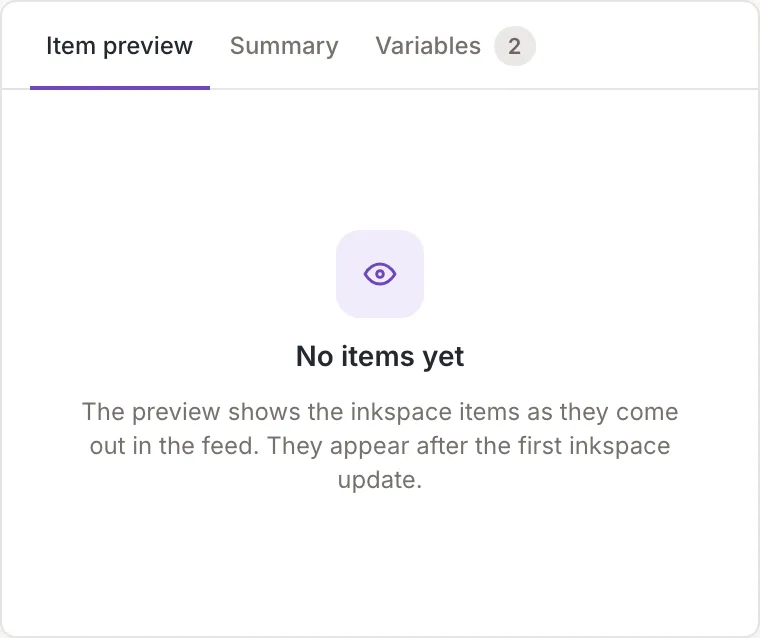
No items yet
Section titled “No items yet”When the inkspace has no items to show, the tab says No items yet: The preview shows the inkspace items as they come out in the feed. They appear after the first inkspace update. That is the case before the first update of the inkspace. You can still map: the tree works without examples, and the preview fills in as soon as the inkspace has been updated. The preview reads the items again by itself when an update of the inkspace ends, without leaving the screen. It shows the same message when the items could not be read.
When there are items but nothing is mapped, the tab says Nothing mapped yet. This is the text:
Map the first element. Its value shows here, and the item preview fills in as you go.Fields filled from the item
Section titled “Fields filled from the item”Besides the fields your sources fill, a channel can map fields that belong to the item itself. They are listed in a group named Global in the field list of a cell:
- the item’s Feedink id, as
feedink_id, currency, which is the currency of the channel, not of the source,created_at,updated_at,archived_atandrenewed_at, written in the time zone of the inkspace,renew_count.
Their values in the preview are those of the item you are looking at.
Variables: yours and from sources
Section titled “Variables: yours and from sources”The Variables tab of a channel lists two kinds of variable: those of the channel, which you add, rename and remove there, and those of your sources, which you can map but only change in the source. Your own fields for this channel, mapped to elements like any other field. Variables from the sources are marked with the sources icon and can only be changed there. The row of a variable that is in use shows the element that holds it and the value in the item. Everything about creating and changing them is in Custom variables.