
Element settings of a source
Every row of the tree has a few settings of its own. They open in a panel on the right, over the mapping.
Open the settings
Section titled “Open the settings”Point at a row and click the pencil button: Element settings on an element, Attribute settings on an attribute, Variant settings and Variant attribute settings on a variant and its attributes, Column settings on a column of a CSV file or a Google Sheet.
The panel is titled Settings and, under it, names the row and the path of elements that contain it. Apply closes the panel and puts your changes in the mapping as edits: they show in the tree and in the bar under the head, and are kept when you save (Save, undo and leave). Cancel, the close button, Esc and a click outside the panel close it without changing anything. A setting you did not change changes nothing.
What a row offers:
| Row | Settings |
|---|---|
| Element | Name, Item element, Allow empty value (only for an element with no elements inside it) |
| Attribute | Name, Allow empty value |
| Variant, variant attribute | Allow empty value |
| Column of a CSV file or a Google Sheet | Name, Allow empty value |
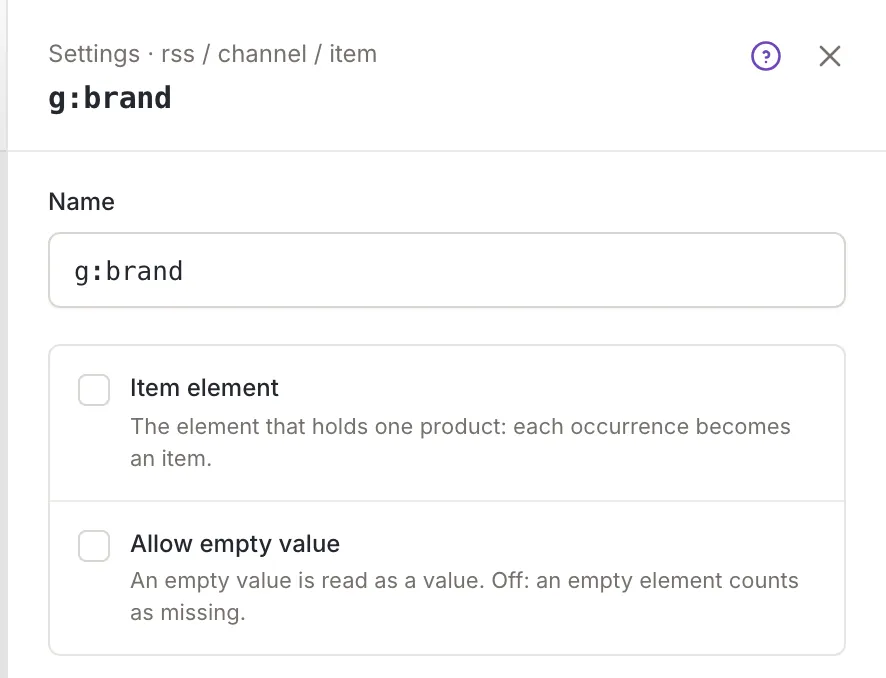
Name renames the row in the schema. An element or attribute needs a valid XML name: Start with a letter, _ or :, then use letters, digits, -, _, :, . or ·. An empty name shows Required. The message appears after you leave the box and then follows what you type; clicking Apply shows it too and puts the cursor back in the box. A CSV column keeps its name unless you change it, and a changed name follows the rule of columns (Mapping a CSV or Google Sheet source). Renaming an attribute renames it in all variants of its element.
Item element
Section titled “Item element”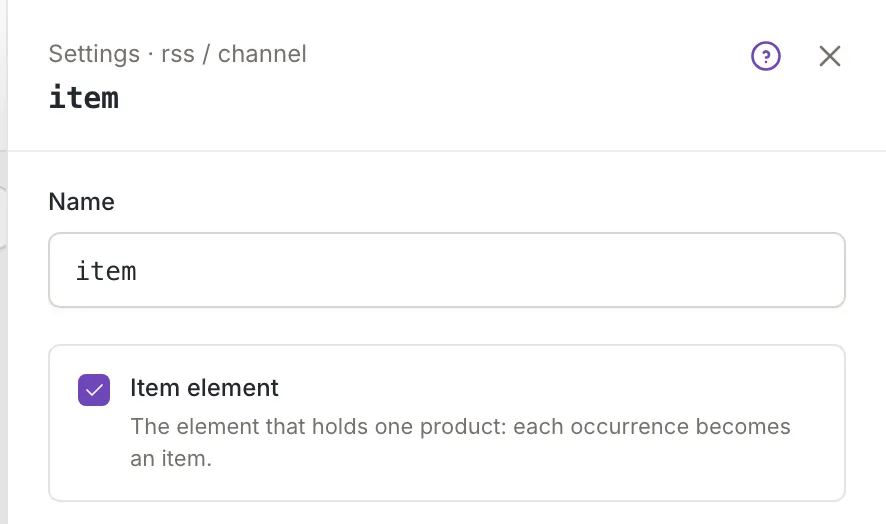
Item element marks the element that wraps each product: The element that holds one product: each occurrence becomes an item. Only one element can be the item element. Ticking the box on another element moves the mark there, and the map cells of the tree follow, because only the elements inside the item element can be mapped. Without any item element the tree shows an alert (The mapping tree).
Allow empty value
Section titled “Allow empty value”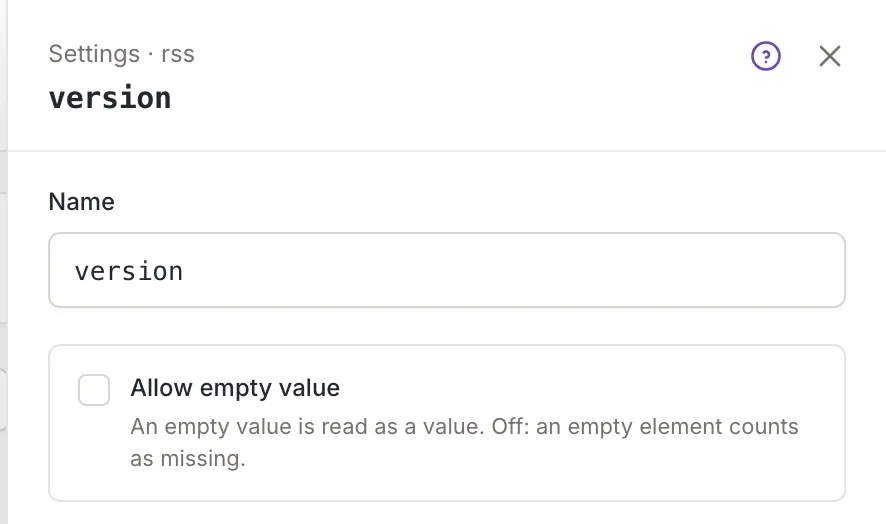
Allow empty value: An empty value is read as a value. Off: an empty element counts as missing. For a column the text says cell:
An empty cell is read as a value. Off: an empty cell counts as missing.Who can use it
Section titled “Who can use it”The pencil buttons are on the rows for everyone who opens the mapping, but only owners and collaborators can save what the panel changes (Source mapping). A channel’s rows have more settings: Channel element settings.