
Reset items or delete an inkspace
On the inkspace’s settings page (Inkspace settings), a separate card under the Plan card holds two actions that remove data: Reset all items and Delete inkspace. Both ask for a confirmation first.
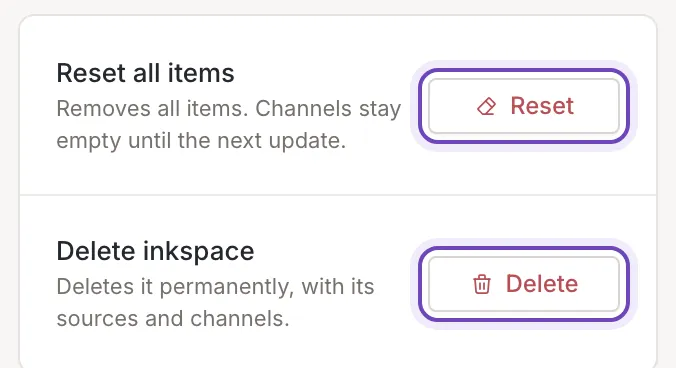
Reset all items
Section titled “Reset all items”Warning: this removes every item of the inkspace and empties all of its channels’ feeds. It cannot be undone. The items and the feeds come back only after the next update reads your sources again, so your feeds stay empty until then.
Click Reset, read the confirmation and confirm it with the same button.
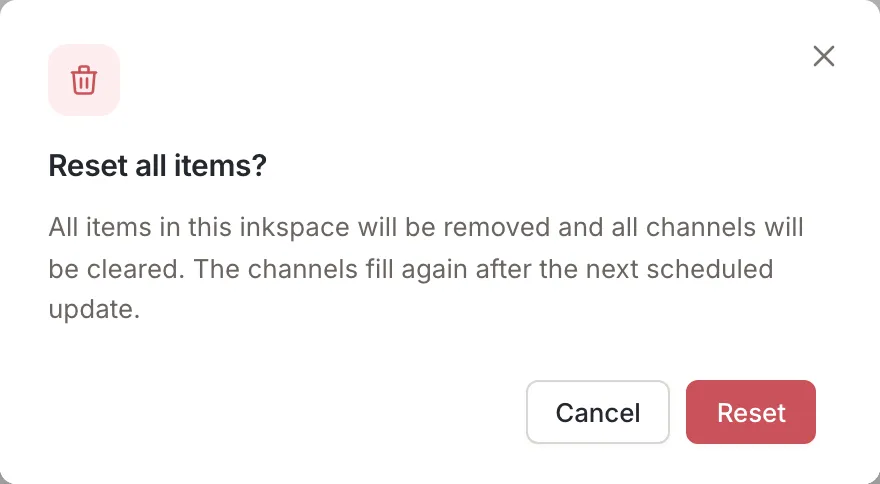
A message confirms that the request was sent: Clearing the items has been requested. The button is replaced by Clearing while it runs. If an update is running, the reset is not started. A dialog, An update is running, offers to cancel that update first (Cancel it first, then try again?); when there is nothing Feedink can cancel, a message says An update is running. Try again once it has finished.
The row is not there when the inkspace has no items.
Delete an inkspace
Section titled “Delete an inkspace”Deletes it permanently, with its sources and channels. The confirmation counts what goes: the sources, the channels, their mappings and rules, and the items. The feed URLs of its channels stop working.
Warning: deleting cannot be undone.
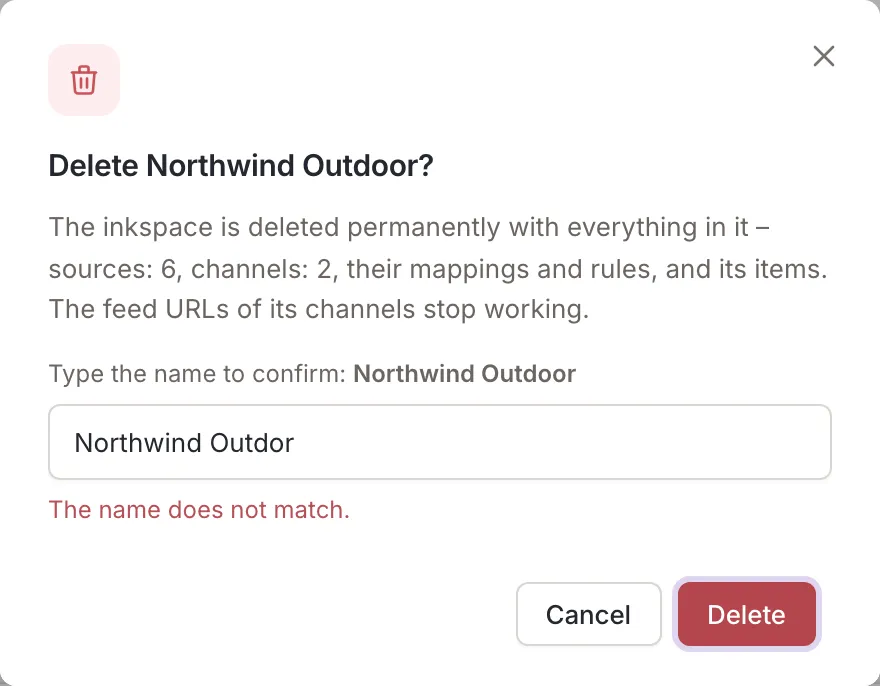
When the inkspace has channels, active or not, the confirmation asks you to type its name: Type the name to confirm: followed by the name. Spaces before and after what you type do not count. A different name does not delete anything, and says The name does not match. An inkspace without channels is deleted after the confirmation, without typing.
A message confirms it: Inkspace deleted. If the inkspace cannot be deleted, a message gives the reason. When an update is running, the same dialog as for a reset offers to cancel it first.
Who can do it
Section titled “Who can do it”- Delete is for the owner of the inkspace.
- Reset is for the owner of the inkspace, and only when it has items.
- Collaborators and viewers do not see the card.