
Inkspace settings
Settings holds what belongs to the whole inkspace: its name and timezone, the update schedule, the e-mail notifications and your plan.
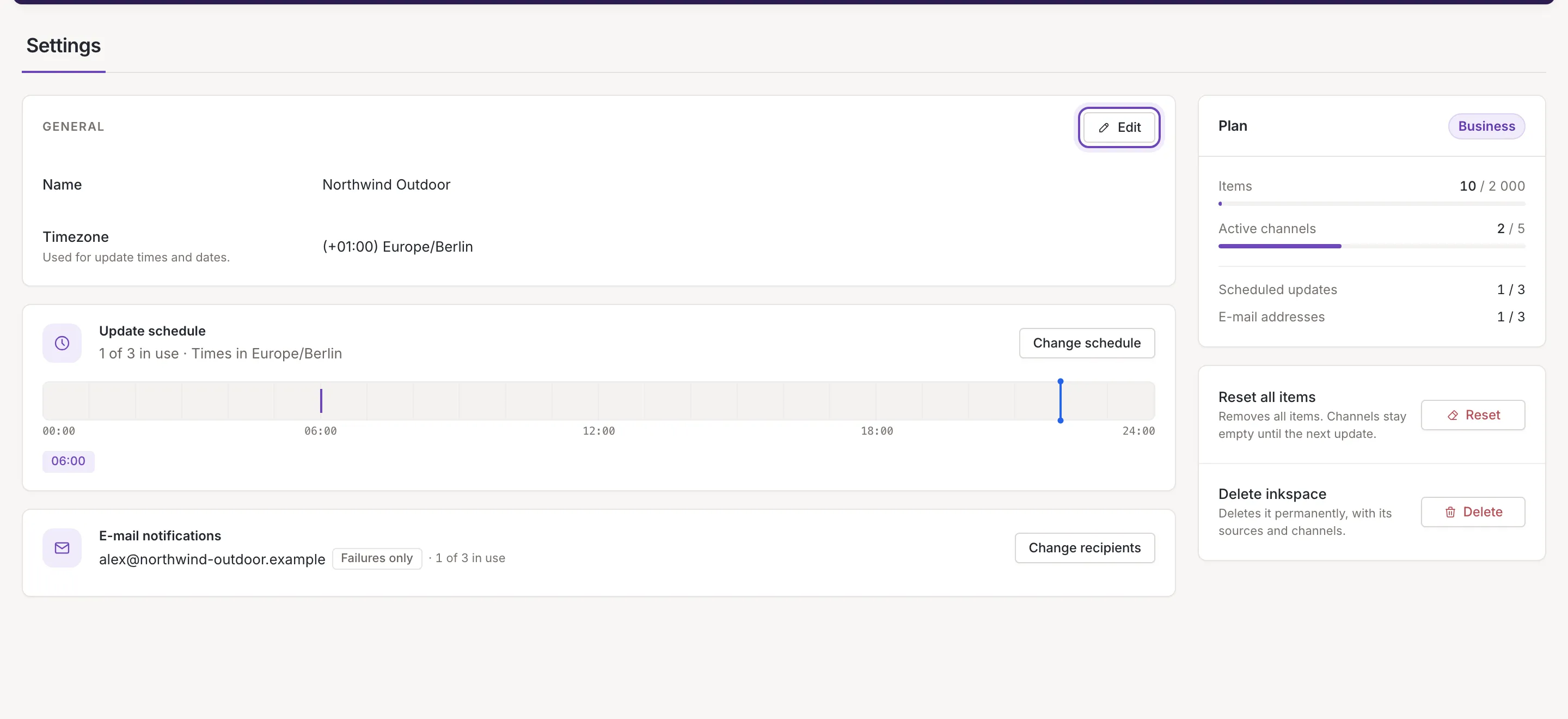
- General: the name and the timezone (below).
- Update schedule: when Feedink updates the feeds by itself. See Update schedule.
- E-mail notifications: who gets an e-mail after an update. See E-mail notifications.
- Plan, beside the cards: your plan and how much of it you use. See Your plan and its limits.
- Reset all items and Delete inkspace, under the plan, for the owner. See Reset items or delete an inkspace.
Name and timezone
Section titled “Name and timezone”The General card shows the inkspace’s Name and Timezone. The timezone is used for update times and dates: the times of your update schedule and the dates shown for the inkspace are in it.
- Click Edit. The fields become editable, and Cancel and Save replace the button.
- Change the name, or click the timezone and type to search by city or by offset.
- Click Save. Feedink says Inkspace saved. and the card goes back to reading mode.
Save stays off until you change something, and stays on once you have, even if you type the old value back. Cancel drops your changes. A name left empty shows Required and cannot be saved: Save answers Fill in the required fields.. If the name is refused (too short or too long), a message says why and the card stays in edit mode.

Who can change what
Section titled “Who can change what”What you can do depends on your role in the inkspace: the owner, a collaborator or a viewer.
| Owner | Collaborator | Viewer | |
|---|---|---|---|
| Change the name and timezone | yes | no | no |
| Add, remove, switch off and pause scheduled updates | yes | yes | no |
| Add, remove and switch off e-mail addresses | yes | yes | no |
| Open the schedule and the addresses to read them | yes | yes | yes |
| Reset all items, delete the inkspace | yes | no | no |
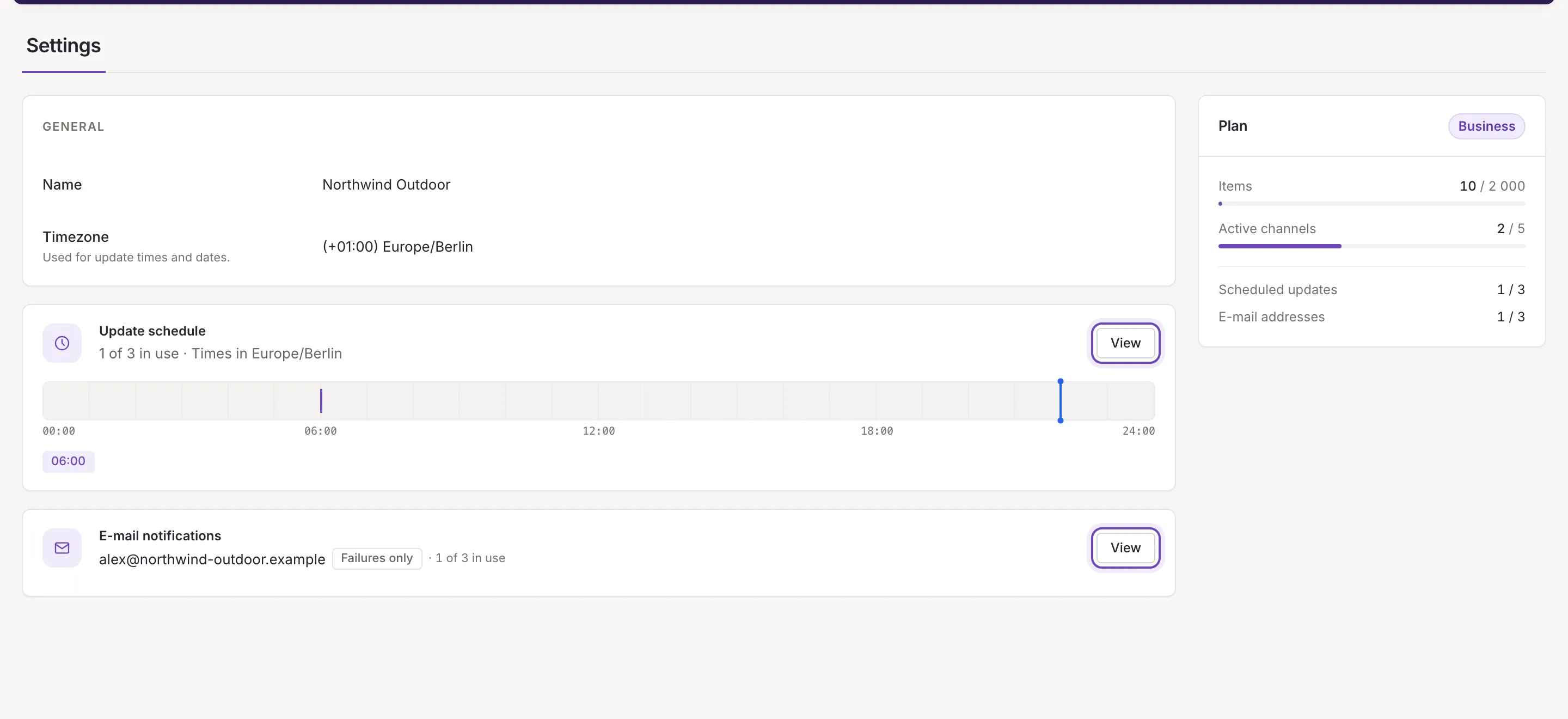
The cards tell you which you are: an owner or a collaborator sees Change schedule and Change recipients, a viewer sees View and cannot change anything. A viewer also has no Edit button and no reset or delete.
Unsaved changes and changes made elsewhere
Section titled “Unsaved changes and changes made elsewhere”Leave the page while the General card has unsaved changes and Feedink asks Leave without saving?. Leave gives the changes up; Stay keeps you on the page. Reloading the page or closing the tab asks too.
If someone else changes the inkspace while you are editing, a notice says “This inkspace was changed elsewhere. Your unsaved changes are kept.” Load the new version replaces the card with the saved values; Keep my changes keeps what you typed.