
Why a channel update failed
When a channel’s update fails or stops, its feed keeps the last good version and Feedink tells you why. This page lists the messages and what you can do about them.
Open the update details
Section titled “Open the update details”Click the status chip of the channel, or Show details in the red notice above its settings. Update details lists the steps of the update; the step that failed is red, and the message under the steps gives the reason. Copy copies the steps, for a message to support.
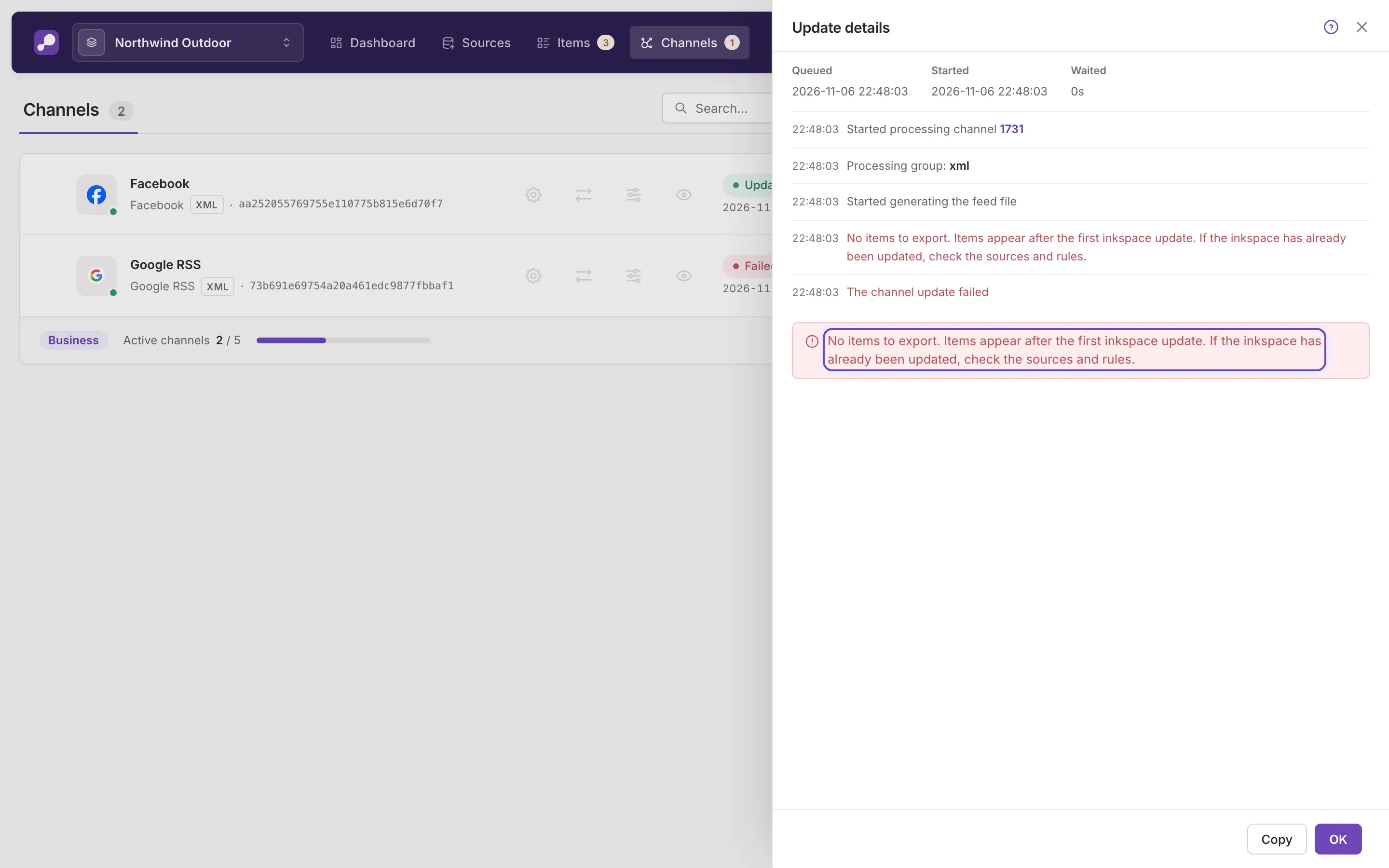
No items to export
Section titled “No items to export”The channel has nothing to write. Open Sources and check that they were read and returned products, then check the rules of the channel and of the sources: a rule can exclude every item. Then update the channel again.
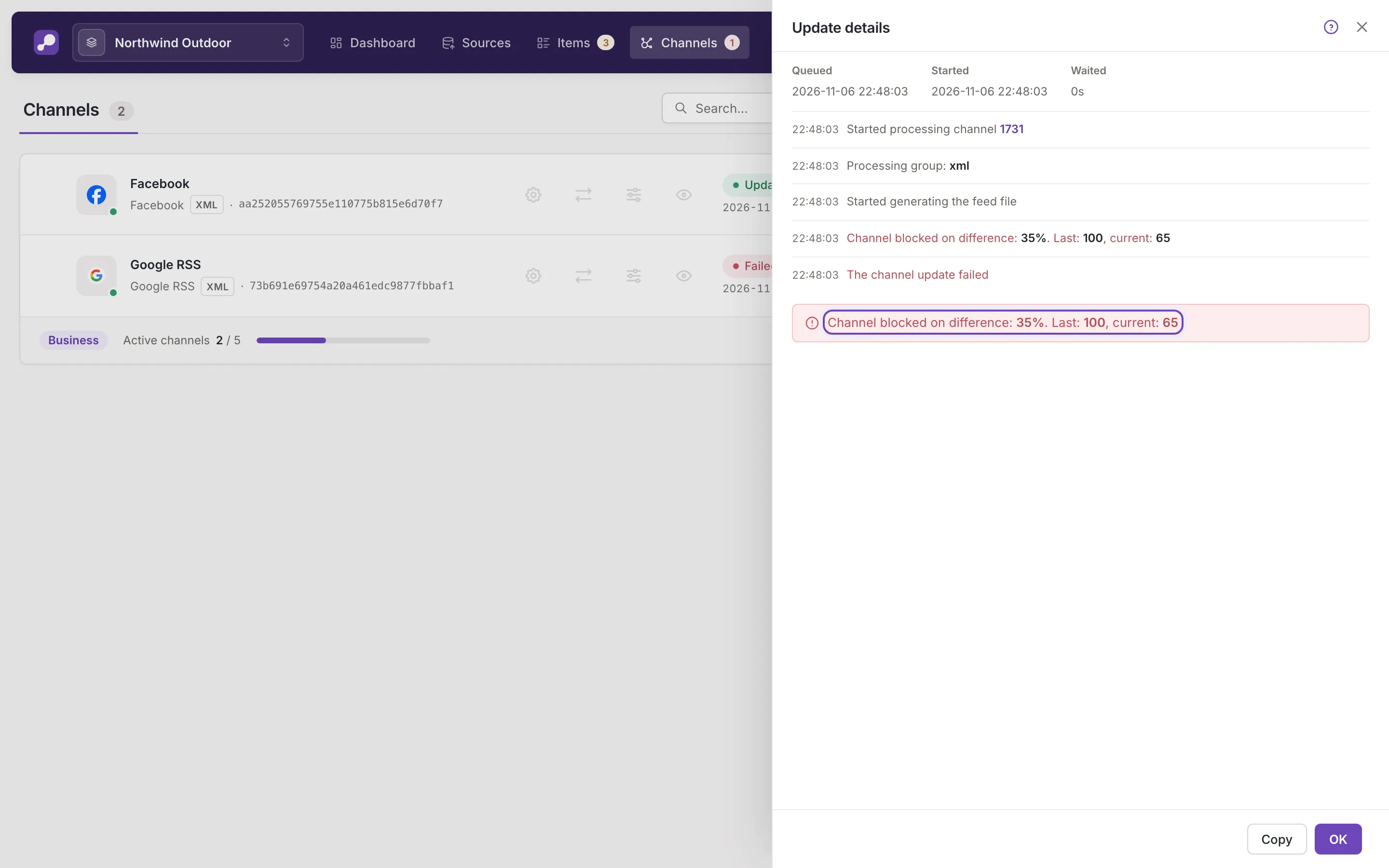
Channel blocked on difference
Section titled “Channel blocked on difference”For example: “Channel blocked on difference: 35%. Last: 100, current: 65”
The channel keeps the last feed because its number of items changed by more than the limit set for it. The message gives the change in percent, the count of the last feed and the new count. Find out why the count changed (a source that returned fewer products, a rule that excludes items). If the change is expected, adjust or switch off the safety limit in Channel settings, then update the channel. The chip of such a channel reads Failed, and its Preview says it was blocked.
Feed structure and file errors
Section titled “Feed structure and file errors”- Feed structure is invalid: the feed cannot be built from the channel’s mapping. Open Mapping and check the fields the format requires.
- Could not find column headers (CSV channels): check the mapping in the same way.
- Could not open destination file and Service not found: nothing in your settings causes these. Try the update again, and contact support if it fails again.
Interrupted and canceled updates
Section titled “Interrupted and canceled updates”A chip that reads Aborted or Canceled means the update did not run to its end. The previous feed stays, and the details say what happened. Among the reasons:
- the channel was deactivated while its update waited, so it was not started: activate it and update it again;
- the update did not finish in time, stopped midway, or made no progress and was interrupted;
- an inkspace update took the update over;
- an update it depended on failed;
- someone canceled it. A cancel that comes too late is said to have come too late;
- the update’s configuration could not be prepared. The message asks you to contact support.
When you ask for an update that cannot start, the message Update not requested gives the reason: the channel is inactive, the channel or the inkspace is being updated, the channel is over your plan’s limit, or the inkspace is unpaid.